Choosing Between Gantt, Kanban, and Noteboards
Finding the Perfect Fit for Your Project's Needs
With the addition of Kanban and Noteboards to our core Gantt chart functionality, you now have a versatile 'Swiss Army Knife' of project management at your disposal. But as the saying goes, 'if all you have is a hammer, everything looks like a nail.' Having more tools is only an advantage if you know which one to pick for the specific challenge in front of you. Using a Gantt chart for a quick brainstorming session is overkill, just as using a single Noteboard to manage a multi-month construction project is a recipe for disaster.
Understanding the strengths and weaknesses of each visualization is key to working smarter, not harder. Each tool represents a different way of thinking about work: Noteboards focus on Ideation, Gantt charts focus on Structure, and Kanban boards focus on Flow. In this guide, we'll break down exactly when to reach for each tool and how to use them together to create a seamless project lifecycle.
When to Use Noteboards: The Creative Spark
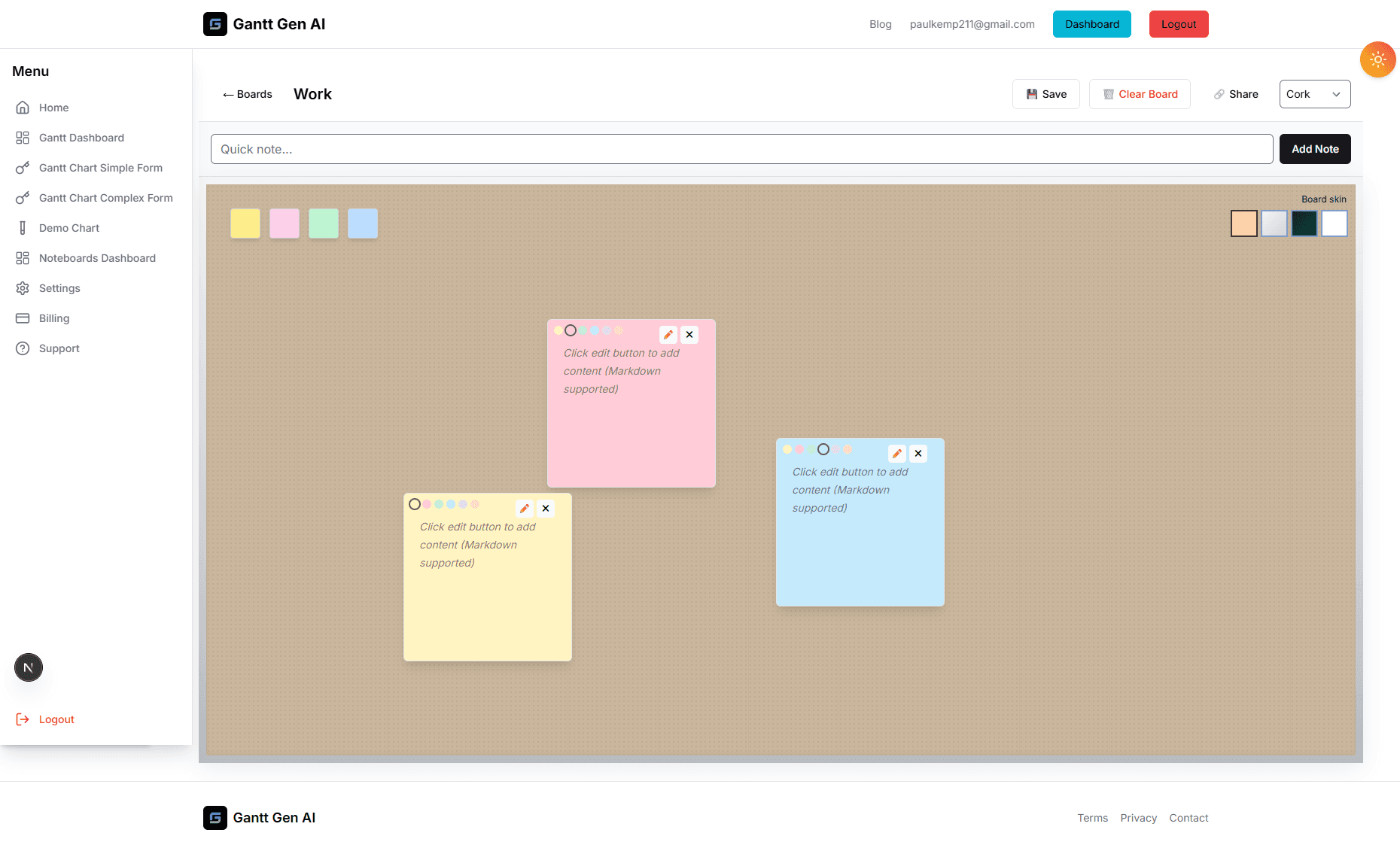
Noteboards are your 'blank canvas'. They are designed for the unstructured, early phases of a project where requirements are still fluid and ideas are coming fast. If you're in a meeting and someone says, 'We should really think about...', that's a Noteboard moment. It’s the ideal environment for capturing 'The What' without worrying about 'The When' or 'The Who'.
Reach for a Noteboard when:
- You are starting a new project and need to dump every thought and requirement.
- You're doing competitive research and want to pin screenshots and links.
- You need a place for a 'Parking Lot' of ideas that are out of scope for now but shouldn't be forgotten.
- You want to create a visual mood board for a creative or design project.
When to Use Gantt Charts: The Strategic Blueprint
Gantt charts are for when the 'Idea' has become a 'Plan'. They are the ultimate tool for managing time, dependencies, and complex schedules. If your project has a fixed deadline and involves multiple teams whose work relies on each other, you need a Gantt chart. It is the only way to visualize the 'Critical Path'—the specific sequence of tasks that determines the overall duration of the project.
Reach for a Gantt Chart when:
- You are planning a project with a duration of more than two weeks.
- You have strict deadlines and need to see if you are on track to meet them.
- You have dependencies (e.g., 'Design must be finished before Development can start').
- You need to communicate a high-level roadmap to executives or stakeholders.
When to Use Kanban Boards: The Engine of Execution
Kanban is about the 'Right Now'. It’s the engine room of your project. Once the big-picture plan is set in your Gantt chart, you need a way to manage the day-to-day execution. Kanban is perfect for high-volume, repetitive work and for teams that need to stay reactive to changing priorities. It’s about managing the 'Flow' of tasks from inception to completion as quickly as possible.
Reach for a Kanban Board when:
- You are in the middle of a project and need to manage daily tasks.
- You want to see exactly who is working on what at any given moment.
- You are managing an ongoing service or support desk with a steady stream of tickets.
- You want to identify and remove bottlenecks in your team's workflow.
The Integrated Workflow: Putting It All Together
The secret of professional project managers is that they don't just pick one; they use all three in a logical progression. This is what we call the 'Unified Workflow'. It looks like this:
- The Discovery Phase (Noteboard): You capture all the raw ideas, requirements, and feedback. You group them into logical themes.
- The Planning Phase (Gantt Chart): You take those themes and turn them into major milestones. You add tasks, set durations, and link dependencies to see how long the project will take.
- The Execution Phase (Kanban Board): You pull the tasks from the current milestone onto your Kanban board. Your team moves them through 'In Progress', 'Review', and 'Done'.
Because our platform keeps these views synced, you never have to enter data twice. A change in one is reflected in all. This is the power of a truly integrated system. By choosing the right tool for each stage, you reduce friction, improve communication, and increase your chances of project success. Stop trying to force your project into a single view and start leveraging the power of perspective.